KFC Click and Collect UK: How to Order and Collect 2026
Nobody enjoys queuing for fried chicken when they are already hungry. That is exactly the problem KFC click and collect is built to solve.
You order and pay on your phone, then pick the food up when you arrive. No waiting to order, no fumbling for your card at the counter.
This guide explains how KFC click and collect works in the UK, what it costs, and what to do when something goes wrong. If you are new to ordering this way, the KFC app is the easiest place to start.
What Is KFC Click and Collect?
KFC click and collect lets you order ahead and collect your food from a restaurant of your choice. KFC itself often calls it mobile ordering, or order and collect. Same thing, different label.
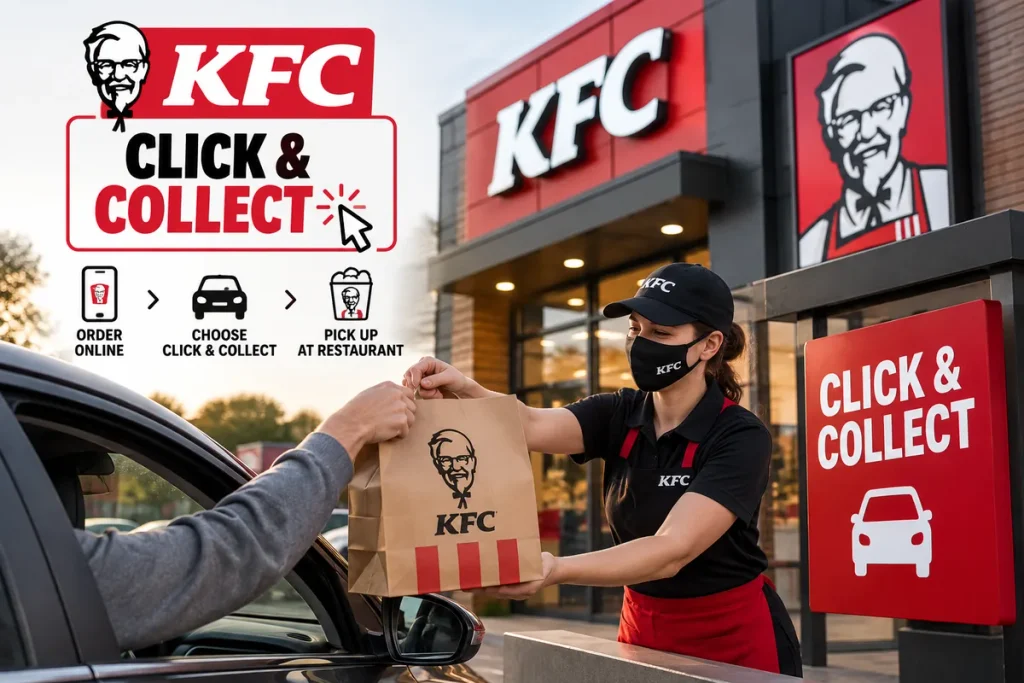
You build your order, pay online, then head to the restaurant. Once you arrive, you check in on the app, and the team gets your food ready.
Does KFC Have Click and Collect in the UK?
Yes. KFC UK offers click and collect through its official app, and it works across the UK restaurant network.
The service has been around for years. KFC first trialed app ordering in ten UK restaurants under the name KFC Fast Track, and the idea has grown from there.
Availability can still vary by branch. Always pick your restaurant first, because the menu and offers you see depend on that choice.
How to Use KFC Click and Collect: Step by Step
Here is the full process for a KFC click and collect order on the app.
- Download the KFC app: It is free on iOS and Android.
- Choose collect: Pick collection rather than delivery when you start your order.
- Select your restaurant: Use the store locator to find a branch near you.
- Build your order: Add your burgers, buckets, sides, and drinks.
- Pay in the app: Confirm your payment details and place the order.
- Save your order number: You will get an order confirmation with a number.
- Check in on arrival: Tap check in when you reach the restaurant.
- Collect your food: Pick up at the counter or the drive-thru.
That is really all there is to it.
Do I Need the KFC App for Click and Collect?
Mostly, yes. The app is the main route for KFC click and collect. KFC also runs online ordering through its website, and the two are closely linked. Even so, the app is where check-in, rewards, and quick reordering live.
Reordering is a real-time saver. Your favorites sit on the home screen, so a repeat order takes seconds.
Do You Need to Book a Collection Time?
No. You do not pick a time slot in advance. KFC says you simply check in on the app when you are ready to collect. The timing is up to you.
There is one rule worth remembering. Orders must be collected on the day you place them, and they are cancelled automatically overnight.
How Long Does KFC Click and Collect Take?
This is the question most people ask, and the honest answer is that it depends on how busy the branch is.
The key detail is that preparation is tied to your check-in. Tap the button when you arrive, and the team starts getting your food ready.
Some regular users report waits of around five to six minutes after checking in. That is a customer experience rather than an official promise, so treat it as a rough guide.
Peak times like Friday evenings will be slower. Checking in slightly earlier can help if you are parking up outside.
How to Collect Your KFC Order in Store
Collecting inside is simple. Check in on the app, walk to the counter, and wait for your order. The team already has your order number, so they will let you know when it is ready.
You do not need to repeat your whole order. Just have your phone handy in case they ask for the number.
Does KFC Click and Collect Work at the Drive-Thru?
It does at restaurants that have a drive-thru. When you check in, the app lets you choose between the drive-thru and the front counter. Pick the drive-thru and give the team your order number at the order window.
Bear in mind that pickup options can close at different times. That is why KFC asks you to choose your option at check-in rather than when you order.
Can I Pay in Store for a KFC Click and Collect Order?
Not really. The order is designed to be paid for through the app. Here is how it works. When you place a collect order, KFC takes a pre-authorization with your bank. The payment is then taken when you check in.
So there is no need to reach for your wallet at the counter. It is also worth knowing that a pending charge on your statement before you collect is normal.
For payment options, check what your app offers at checkout. Card details and digital wallets are the usual choices, but availability can change.
KFC Click and Collect Deals and Vouchers
The app is where current offers live. Deals and rewards are shown inside the app, and many can be used for both online and in-restaurant orders.
KFC also runs a Rewards Arcade in the app, where you can play for a chance to win free food.
A few practical tips:
- Add your deal before you reach checkout
- Check the price changes when the offer is applied
- Look at the terms, since some offers only apply at certain restaurants
If you hold a voucher code, enter it at checkout. If it is rejected, the offer may not be valid for collection at your chosen branch.
KFC Click and Collect vs. Delivery: Which Costs Less?
Collection is usually the cheaper route, because you avoid the markup that often comes with delivery platforms.
Take the Trilogy Box Meal as an example. Our Trilogy Box Meal guide shows in-restaurant prices between £8.99 and £11.49, depending on the branch. On major delivery platforms, it commonly sits around £13.69.
That is a gap of a few pounds on a single meal. Across a family order, it adds up quickly.
Delivery still wins when you cannot leave the house. But for anyone passing a restaurant anyway, collection is the smarter choice.
What Can You Order With KFC Click and Collect?
Your local menu is available, with the same food you would order at the counter. Prices vary by branch, so always check your own restaurant in the app.
Here are some typical prices we track on our menu pages:
| Item | Price |
|---|---|
| Zinger Burger | £6.99 |
| Zinger Burger Meal | £8.99 |
| Zinger Box Meal | £11.49 |
| Original Recipe Chicken, 1 piece | £2.39 |
| 10-piece Bargain Bucket | £20.99 |
| Party Bucket | £39.99 |
If you love the spicy stuff, our Zinger Burger guide covers the burger, the meal, and the box meal in more detail.
Fancy something lighter? Popcorn Chicken starts at £2.19 for a small portion, and our Popcorn Chicken prices break down the regular and large sizes.
Can I Change or Cancel a KFC Click and Collect Order?
Changing an order is difficult once it is placed. KFC says that after you order, you get an order number and the kitchen starts preparing your food. For delivery orders, that means cancellation is not possible.
Collecting orders works a little differently, because payment is only taken at check-in.
- If you never check in: You are not charged, and the pre-authorisation is released.
- If you ordered from the wrong restaurant: Do not check in. The order cancels itself within 5 working days.
- If you already checked in: The team has started your order. Contact KFC’s Care Squad through the help center.
The safest habit is to check your chosen restaurant before you pay.
KFC Click and Collect Refund: What Happens to Your Money?
If check-in fails, or an order is not collected, KFC releases the pre-authorization within two days. The app then shows the order as cancelled.
After that, the timing depends on your bank. Some return the money almost instantly, while others take up to 10 days. A “cancelled and funds returned” message in the app means KFC will not charge you.
KFC Click and Collect Not Working? Try These Fixes
If you are wondering why you cannot order, work through this list.
- Update the app: An old version is a common culprit.
- Check the restaurant: The branch may be closed or not taking app orders.
- Confirm your location: Make sure the right restaurant is selected.
- Check your login: KFC sends a one-time code by SMS, so make sure you have signal.
- Check your payment method: A declined card will block the order.
- Restart the app: Then try again in a few minutes.
If none of that works, order at the counter or use a kiosk. Then let KFC know through the help center.
Is KFC Click and Collect Available 24 Hours?
No. You can only order when your chosen restaurant is open and taking orders. Opening times differ a lot between branches. Some close in the evening, while others trade late, and drive-thru hours can differ from the counter.
Use the store locator in the app to check the times for your nearest KFC before you leave.
Can I Use KFC Click and Collect for Large Orders?
You can order big, and it is a good way to avoid a long wait at the counter. A Party Bucket at £39.99 is the sort of order that benefits from being ready when you arrive.
For very large orders, though, a busy branch may take longer. Order early, check in when you are close, and consider calling the restaurant if you are feeding a crowd.
Tips for a Smoother KFC Click and Collect Experience
A few small habits make a real difference.
- Save your favorite orders for fast repeats
- Check the restaurant name before paying
- Keep notifications on so you see order updates
- Check in only when you are close by
- Keep your order number visible at the drive-thru
FAQs
How does KFC click and collect work?
You order and pay on the KFC app, then travel to your chosen restaurant. When you arrive, you check in. The team then prepares your order, and you collect it at the counter or drive-thru, depending on the options your branch offers.
Can you order KFC online and collect in store?
Yes. Use the KFC app or website, choose collection, and select your restaurant. Pay online, then check in when you arrive. The team will already have your order number, so collecting in store is quick and needs no queue at the tills.
How long does KFC click and collect take?
It varies by branch and how busy it is. KFC starts preparing your food when you check in, so most orders are ready soon after. Some regular customers report around five to six minutes, though peak times can run longer.
Can I pay in store for KFC click and collect?
Not usually. The order is paid for through the app, with a pre-authorisation taken when you order and payment collected at check in. If you would rather pay at the counter, you can place a normal order there.
Is KFC click and collect cheaper than delivery?
Generally, yes. Collection avoids the delivery markup you often see on third party platforms. A Trilogy Box Meal, for example, can cost up to £11.49 in restaurant and around £13.69 on delivery platforms.
Does KFC click and collect work at the drive thru?
Yes, where the restaurant has a drive thru. Choose the drive thru when you check in on the app, then give the team your order number at the order window. Pick up options can close at different times.
Can I use vouchers on KFC click and collect?
Often, yes. Offers and rewards in the app can be used online, and many work for collection. Enter any voucher at checkout. If it is refused, the deal may not apply at your chosen branch, so check the terms.
Conclusion
KFC click and collect is one of the easiest ways to skip the queue and get your chicken fast. Order on the app, check in when you arrive, and pick up at the counter or drive thru.
It is often cheaper than delivery, and it fits busy days perfectly. Just double check the restaurant before you pay, and remember orders must be collected on the same day.
Want to plan your order first? Browse the latest KFC menu prices UK to see what your meal will cost before you check in.